



What is a moz Wallet?
A moz wallet is a secure digital interface designed to interact with the EVM (Ethereum Virtual Machine) blockchain, specifically to store, send, and manage your moz tokens. Because moz operates on an EVM-compatible chain, you need a wallet that understands smart contract interactions and token standards to ensure your assets are accessible and safe. Bitget Wallet provides a reliable and secure platform for managing your moz tokens, allowing users to explore the Web3 ecosystem with confidence, trusted by over 40 million users.
Download Bitget moz Wallet
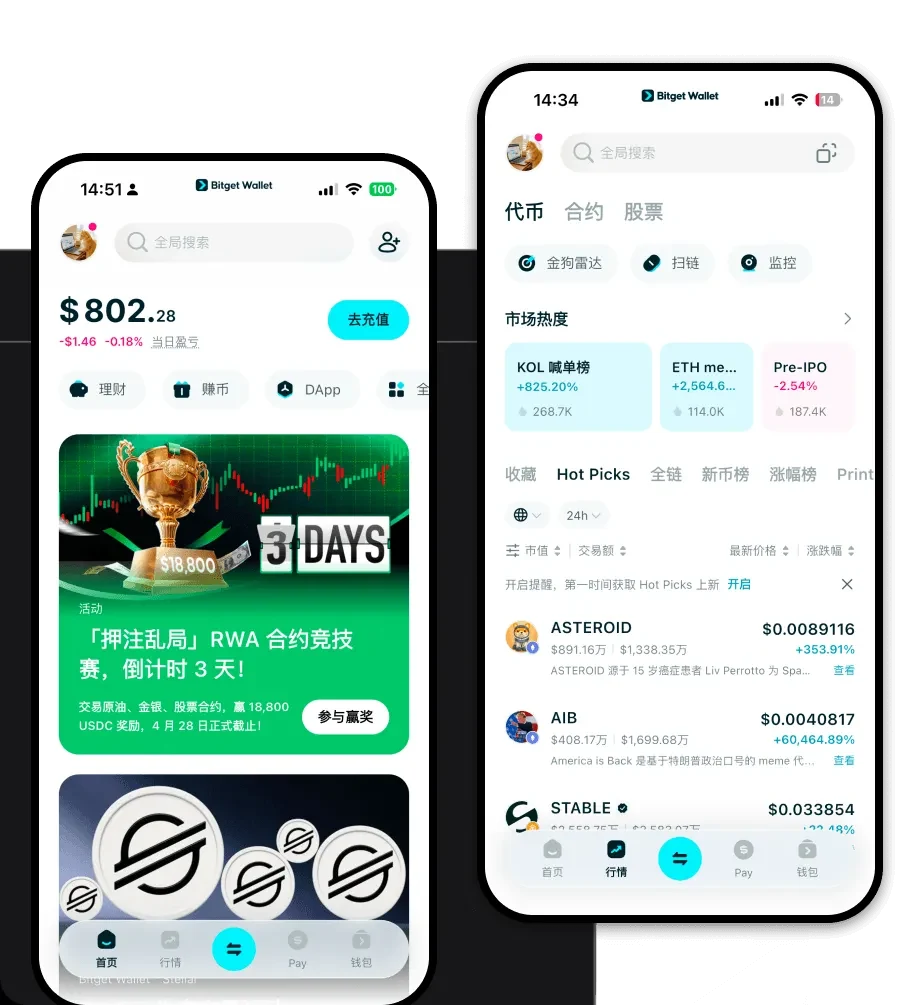
Getting started with your moz journey requires a robust tool that keeps your assets under your control. Bitget Wallet offers a comprehensive, non-custodial solution that prioritizes user sovereignty. With complete support for private key self-custody, you ensure that you—and only you—have access to your funds. The platform is designed for versatility, offering native applications for iOS and Android, as well as a powerful browser extension for desktop users. Whether you are managing assets across 130+ blockchains or engaging with the latest EVM protocols, you can download Bitget Wallet to experience seamless, multi-chain integration.
Why Choose Bitget moz Wallet?
Selecting the right wallet is critical when dealing with meme-category assets that require high-speed interaction with the EVM ecosystem. Here is why Bitget Wallet stands out:
- EVM Ecosystem Integration: Enjoy native compatibility with Ethereum-based standards, ensuring your moz tokens are always recognized and interactable within decentralized finance protocols.
- Advanced Security Infrastructure: Benefit from a 300 million USD user protection fund, offering an extra layer of defense against malicious attacks or protocol vulnerabilities.
- Optimized Gas Management: Navigate the volatility of the meme market with intelligent gas tracking, helping you execute transactions efficiently even during periods of high network congestion.
- Seamless Decentralized Trading: Access built-in DEX aggregators directly within the wallet, allowing you to swap tokens at the best available rates without leaving the app.
How to Create a moz Wallet
Setting up your wallet is a straightforward process designed to get you into the ecosystem quickly while maintaining high security standards:
- Install the App: Visit the official Bitget Wallet download page and install the application on your mobile device or browser extension.
- Create a New Wallet: Open the app and select 'Create a Wallet'. This will generate a new, unique address on the EVM chain.
- Backup Your Seed Phrase: Carefully write down your recovery phrase and store it in a secure, offline location. Never share this with anyone.
- Verify Setup: Confirm your recovery phrase within the app to ensure you have backed it up correctly.
- Add moz Token: Use the search feature to add 'moz' to your asset list, ensuring your token balance will be visible on your dashboard.
What Can You Do With a moz Wallet?
Managing your tokens is just the beginning. Bitget Wallet unlocks a suite of features tailored for the active crypto user:
- Speculative Trading: Leverage the wallet's fast swap speeds to execute trades on decentralized exchanges, taking advantage of the high volatility inherent in meme tokens.
- Community Participation: Connect your wallet to various community-driven platforms and DAOs to participate in governance or exclusive token-holder events.
- Token Holding: Utilize the secure, non-custodial storage to hold your moz tokens long-term, knowing that your private keys remain exclusively in your possession.
- Cross-chain Swapping: Easily convert your moz tokens or other assets across different chains using the integrated cross-chain bridge technology.
How moz Wallets Are Different from Other Crypto Wallets
Unlike wallets designed for UTXO-based chains (like Bitcoin), an EVM-compatible wallet like Bitget is built for the account-based model. This means your wallet address functions like a bank account that stores state information, which is essential for executing smart contracts. While UTXO wallets prioritize simple transfer tracking, a moz-compatible EVM wallet is optimized for the complex dApp interactions, gas fee calculations, and transaction signing required by DeFi and meme token ecosystems. You gain the ability to interact directly with liquidity pools and yield farms, features that are simply not present in non-smart-contract-enabled wallets.
