Download now
Download now




azlt
AZLT Wallet: The Ultimate Guide to Managing Your Assets in 2026
Download the best azlt wallet to store, send, and use azlt. Learn how to create a azlt wallet, access DApps, and manage your azlt securely.
FAQ
Questions, answered.
Is AZLT wallet safe?
Yes, it is highly secure. When you use Bitget Wallet, you retain full control over your private keys and recovery phrase, ensuring you are the sole custodian of your assets. Additionally, Bitget employs a 300 million USD user protection fund and advanced encryption to safeguard your funds against malicious attacks.
How to get an AZLT wallet address?
To get an AZLT wallet address, simply open your Bitget Wallet, go to the 'Assets' section, and use the search bar to find 'AZLT'. Tap on the token to open its specific page, then click the 'Receive' button. Your unique wallet address will be displayed, which you can copy to receive AZLT tokens from exchanges or other wallets.
Can I store AZLT on Bitget Wallet?
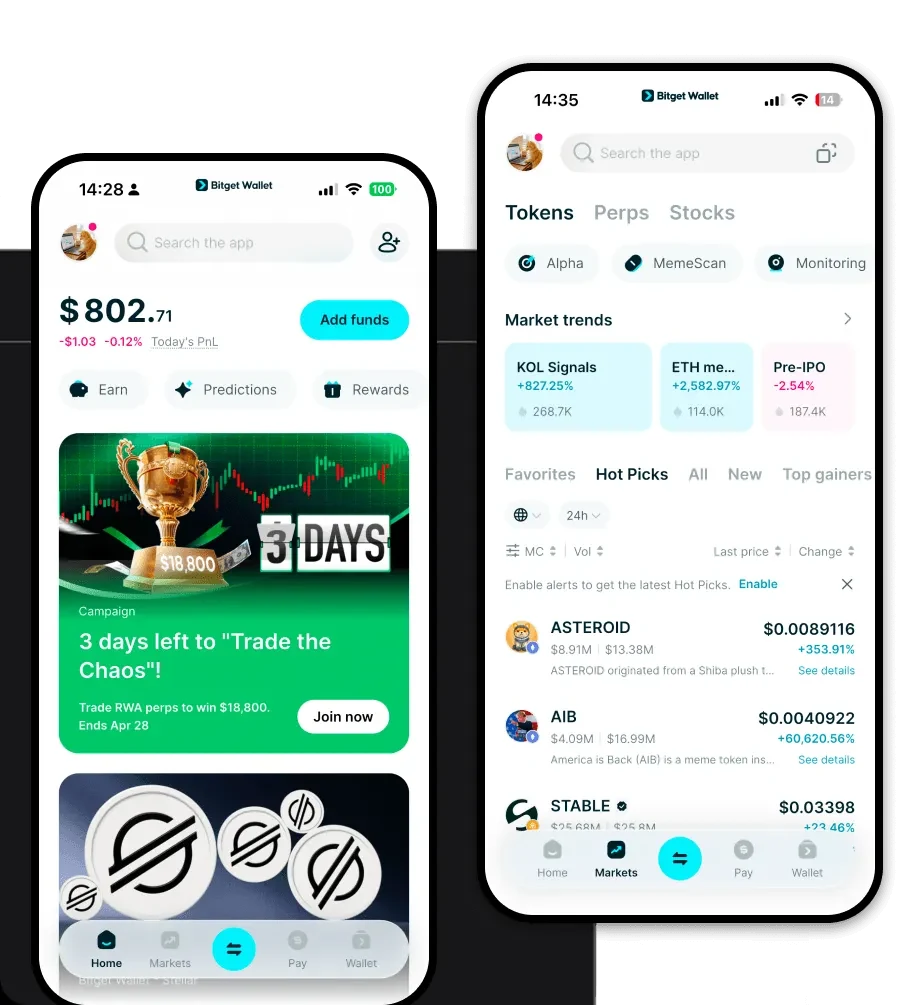
Absolutely. Bitget Wallet is fully compatible with the EVM ecosystem, meaning it provides robust support for storing, sending, and receiving AZLT. You can view your AZLT balance, monitor price changes, and manage your tokens alongside your other digital assets in one unified interface.

About us
Bitget Wallet X
Products

About us
Products
Bitget Wallet X