Download now
Download now



goblin wojak
goblin wojak Wallet: Best Wallet to Store, Send & Use goblin wojak (2026 Guide)
Download the best Goblin Wojak wallet to store, send, and use Goblin Wojak. Learn how to create a Goblin Wojak wallet, access DApps, and manage your Goblin Wojak securely.
FAQ
Questions, answered.
Is goblin wojak wallet safe?
Yes, using Bitget Wallet for your goblin wojak tokens is highly secure. It functions as a self-custodial wallet, meaning you retain exclusive control over your private keys and seed phrase. Additionally, Bitget provides an industry-leading 300 million USD user protection fund, adding a robust layer of security against potential platform-level risks.
How to get a goblin wojak wallet address?
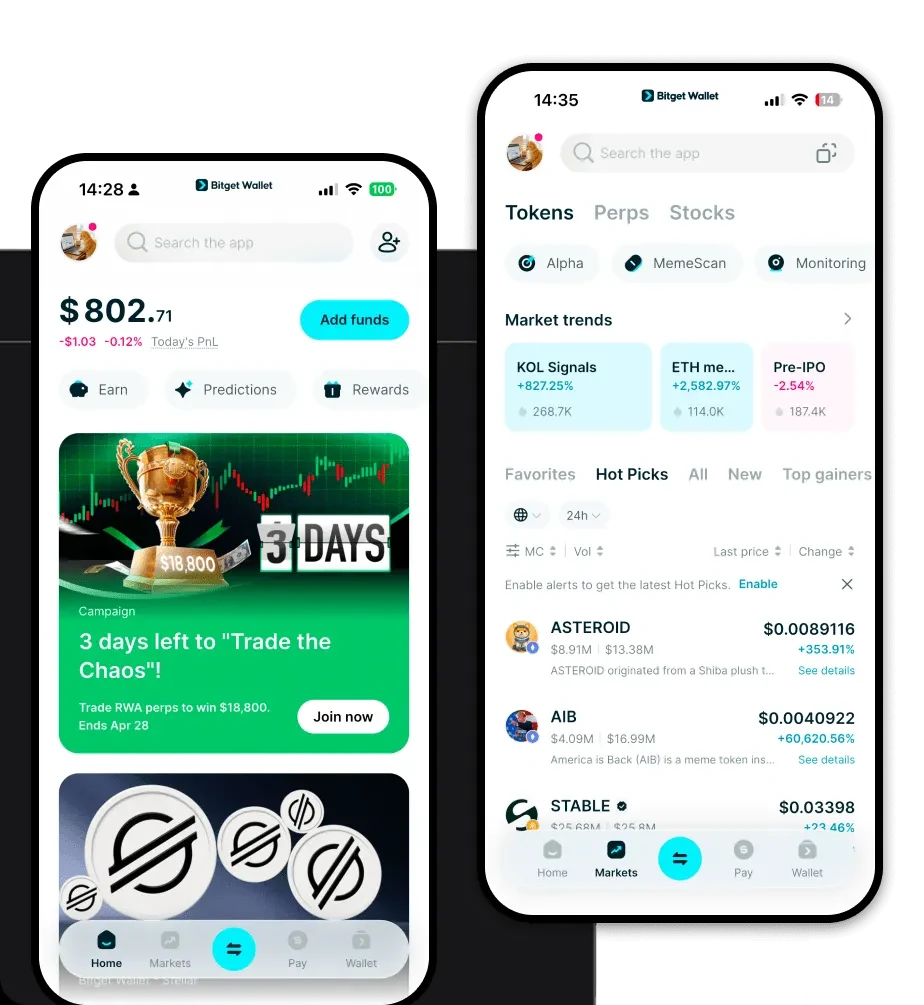
To obtain your goblin wojak wallet address, simply open your Bitget Wallet app after installation. Navigate to the main asset screen, select the EVM network, and tap the 'Receive' button. Your wallet address will be displayed as a QR code and an alphanumeric string, which you can copy to use for receiving tokens.
Can I store goblin wojak on Bitget Wallet?
Yes, absolutely. Bitget Wallet provides full support for the EVM ecosystem, which includes goblin wojak. You can store, send, receive, and trade your tokens directly within the app without any additional configuration. Simply ensure your wallet is updated to the latest version to view your balances correctly.

About us
Bitget Wallet X
Products

About us
Products
Bitget Wallet X